Backrooms: Code Yellow Beginner Guide
To finish Backrooms: Code Yellow, save up 10,000 RD and choose End Contract at the Terminal in the safe room. Everything else in the game is how you earn that RD: open the Gateway, explore with your team, finish the daily tasks, and bring loot home.
The short version: start at the Terminal, pull the switches, and head out. Do your two daily tasks, then turn loot into RD at the Research Data Deposit. Drive the utility vehicle back inside and end the day at the Terminal. Buy the gear the day’s tasks need and save the rest toward the contract. Prices and values below are as of the launch build, and the game is in early access, so expect them to change.
Controls
| Key | Action |
|---|---|
| F | Pick up or interact |
| G | Drop the held item |
| T | Show or hide the task list |
Terminal
You spawn in the safe room facing the Gateway, and the Terminal is on the left side of the room. It has multiple uses, and each day starts and ends there.
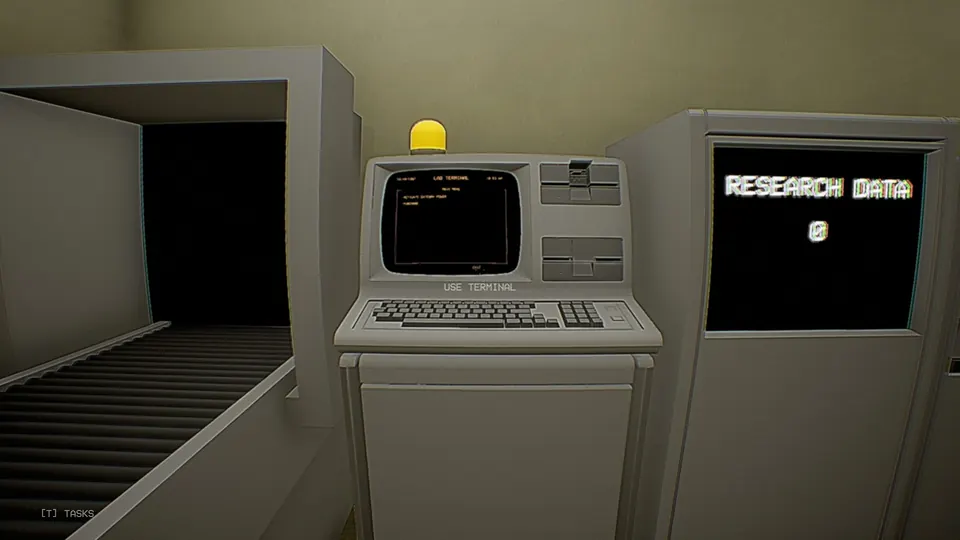
| Terminal option | What it does |
|---|---|
| ACTIVATE GATEWAY POWER | Powers the gateway switches so you can pull them and open the Gateway |
| POWER DOWN GATEWAY/COLLECT PAY | Ends the day and collects your pay |
| PURCHASE FIELD ITEMS | Opens the shop (prices in the field items section below) |
| END CONTRACT | Costs 10,000 RD and finishes the game |
The Gateway and the switches
The Gateway is the giant door that leads out into the Backrooms.
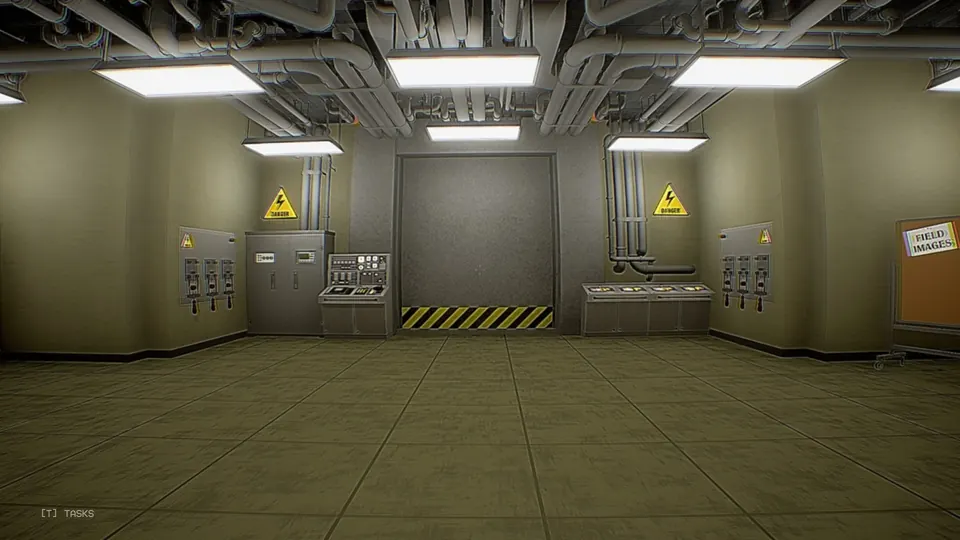
It opens with interactive switches: three on each side wall, left and right, six in total. Choose ACTIVATE GATEWAY POWER at the Terminal first, then pull the switches.
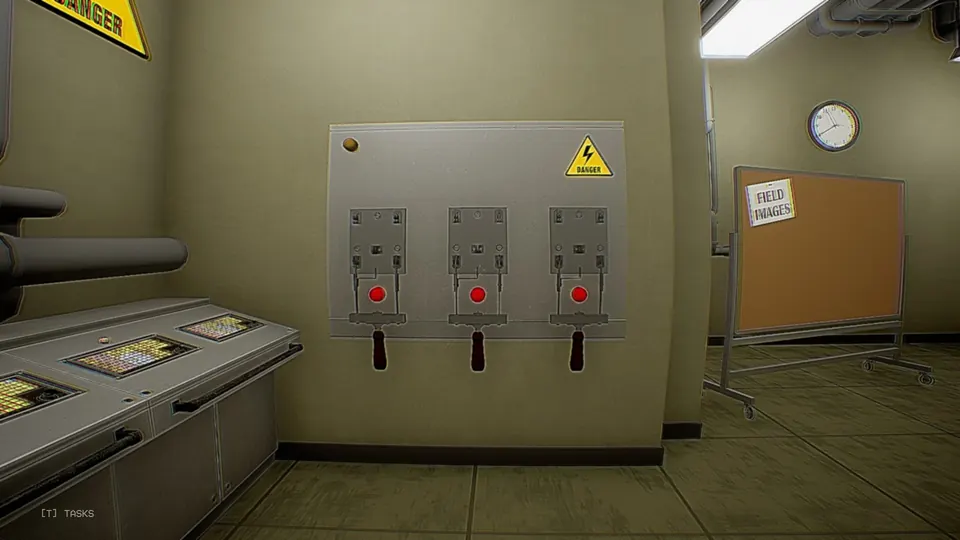
Gate lever
With the Gateway open, random entities can find their way to you. The gate lever blocks them from getting into the safe room. It is the red-handled lever on the console beside the Gateway.
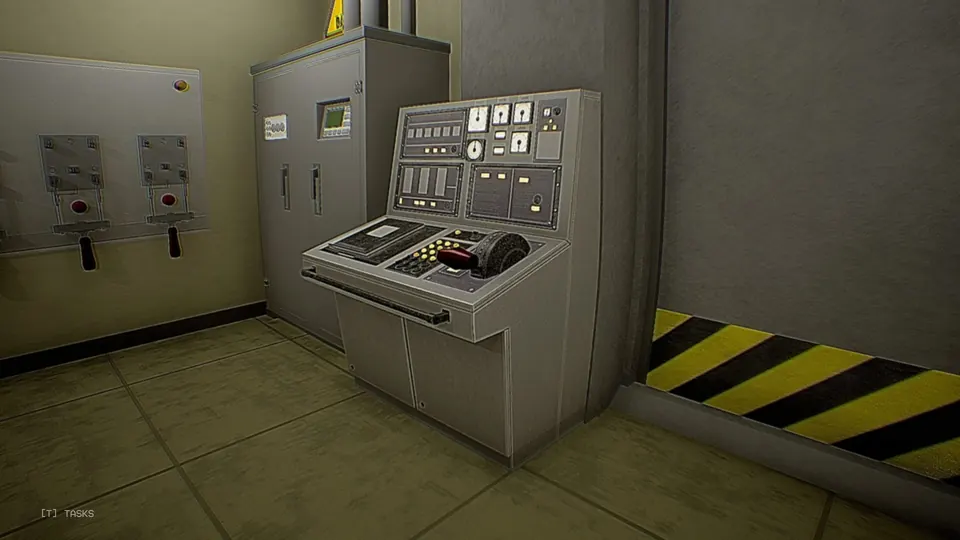
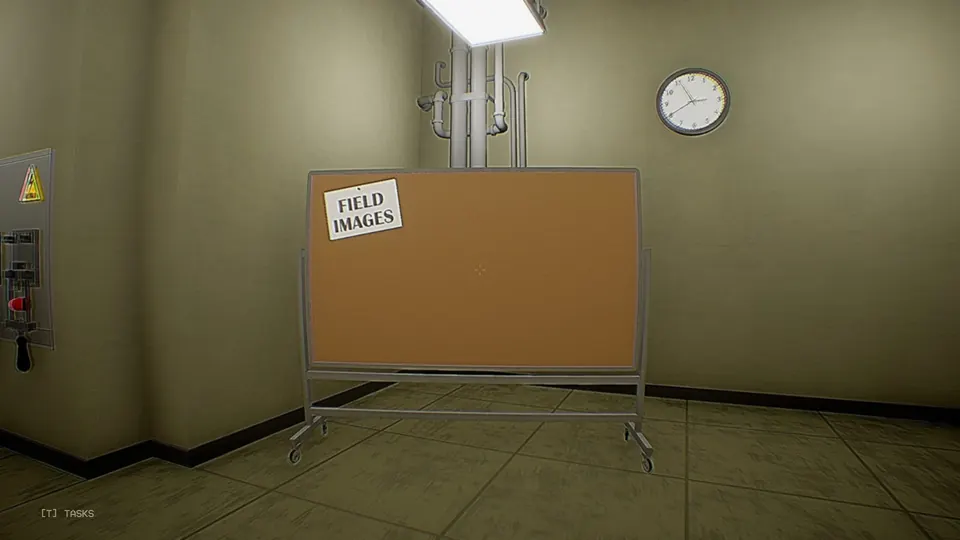
Field Image Board
The Field Image Board is the corkboard in the safe room. Pin your Camera photos here; the photo tasks only count once the images are on the board.
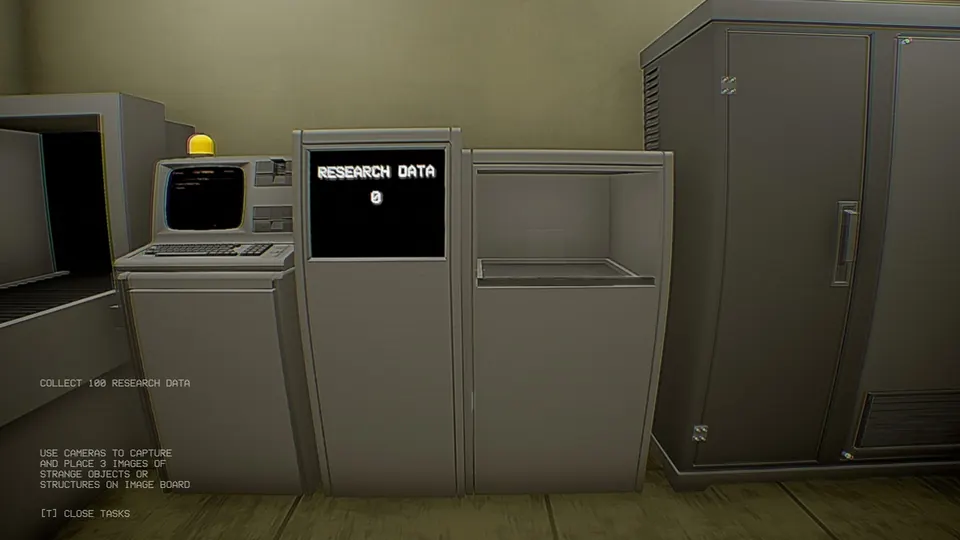
Research Data Deposit
You have four inventory slots in the Backrooms. Fill them with loot and bring it back to the Research Data Deposit, which turns it into RD. RD is the money you spend at the Terminal, on field items and on the contract.
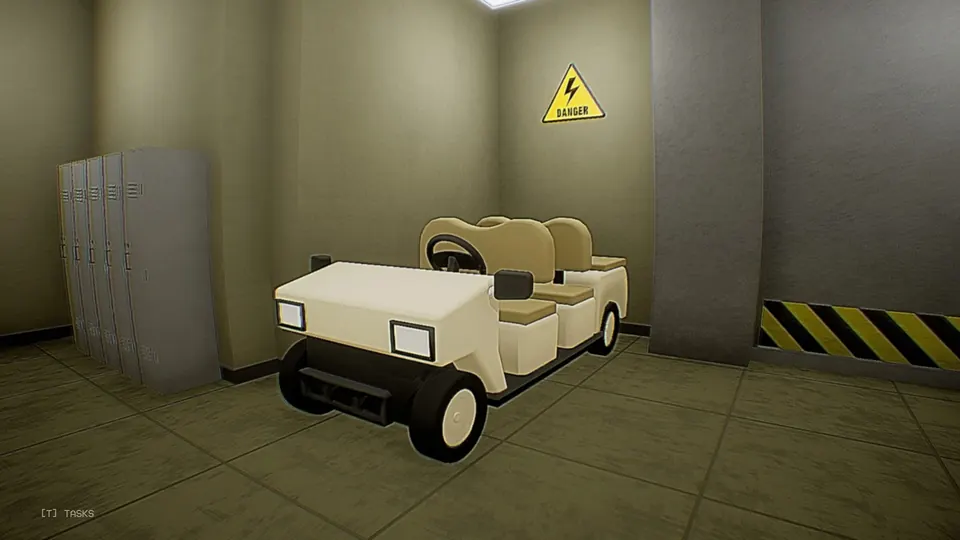
Warehouse Utility Vehicle
The Warehouse Utility Vehicle is a cart that carries up to four people around the map. Bring it back before you end the day. If the vehicle is still out in the Backrooms when the day ends, you lose RD.
Field items
Everything here is bought from the Terminal with RD. Gear takes up the same slots as loot, so pick what the day’s tasks need.
| Item | Cost (RD) | What it does |
|---|---|---|
| Med Kit | 300 | Revives you, and only you, in the field |
| Med Syringe | 100 | Revives you or a teammate in the field |
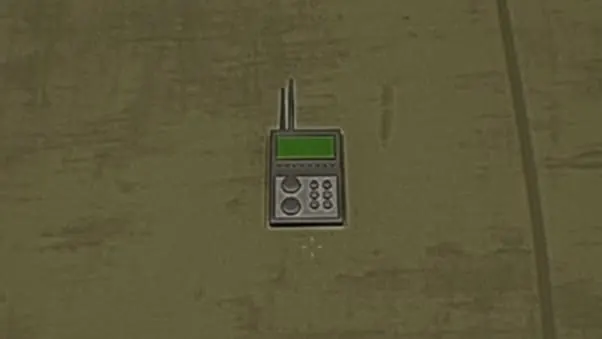
| RDF | 500 | Radio direction finder: syncs with the Gateway or a lost employee’s last known location and points toward it |
| Anesthetic Gas | 750 | Releases gas that can slow down or hinder dangerous beings |
| Cardboard Cutout | 200 | A hazmat figure with a cassette tape; it can distract beings and may lure them |
| Directional Tape | 100 | Sticks to the floor as direction markers |
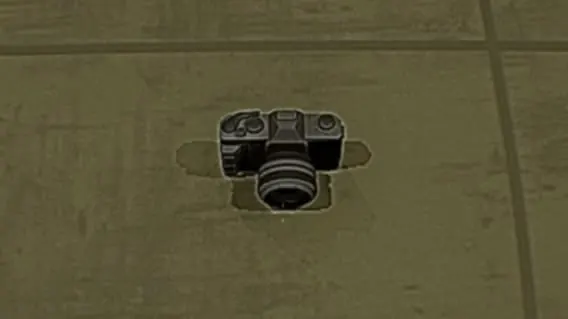
| Camera | 500 | Takes photos for the Field Image Board |
| Camcorder | 400 | Records footage of entities |
| Walkie Talkie | 200 | Lets you talk to teammates with walkie-talkies over long range |
| Tripod Cam | 50 | Can be placed down. Meant for tasks, though none of the tasks listed here uses it |
On the floor, the Cardboard Cutout and the Camcorder look like this.
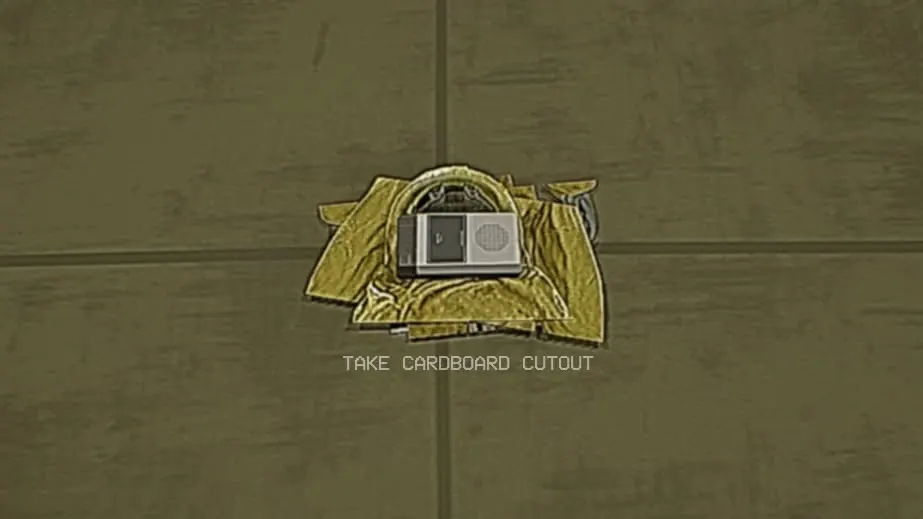
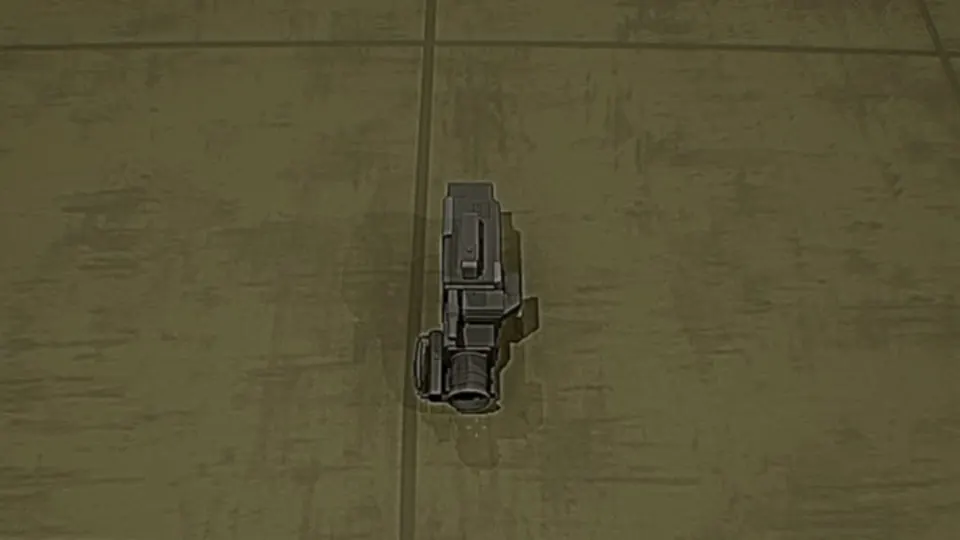
Image values
Point the Camera at an object or structure and it shows the image’s value before you take the shot. These are the values known so far:
| Image value | Subject |
|---|---|
| 1 | Lamp, Chair, Table, Sofa |
| 6 | Vending Machine |
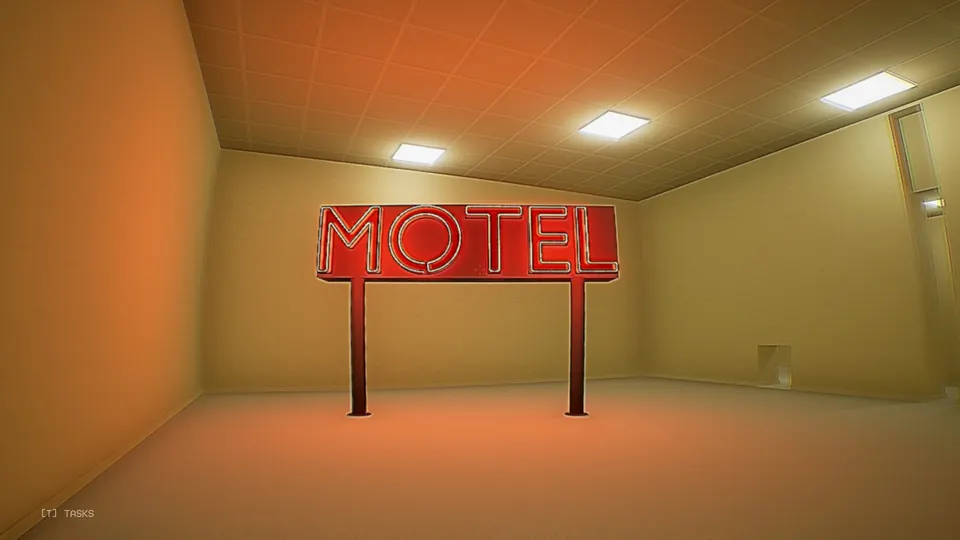
| 7 | Neon Sign |
| 8 | Entity |
Better pictures are worth more, and a photo that repeats one you already have is worth nothing.
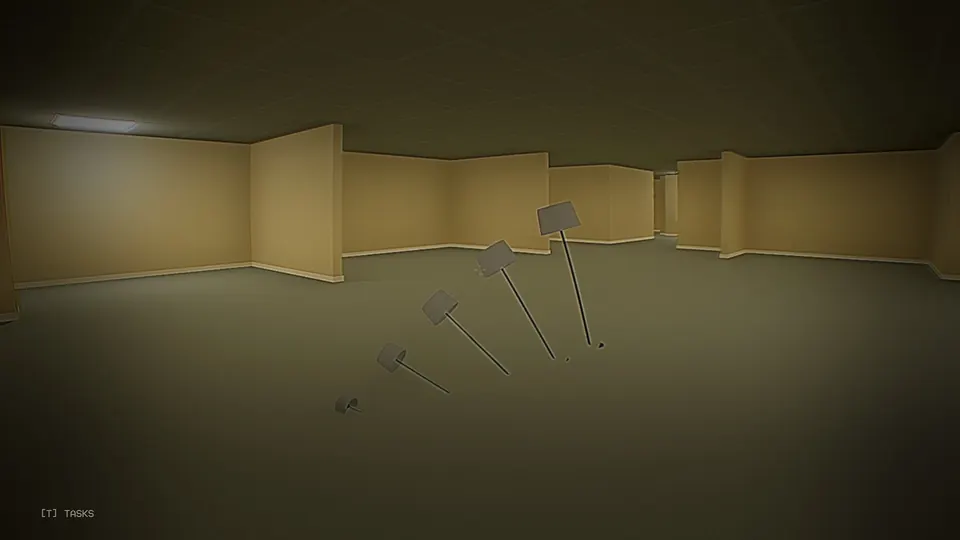
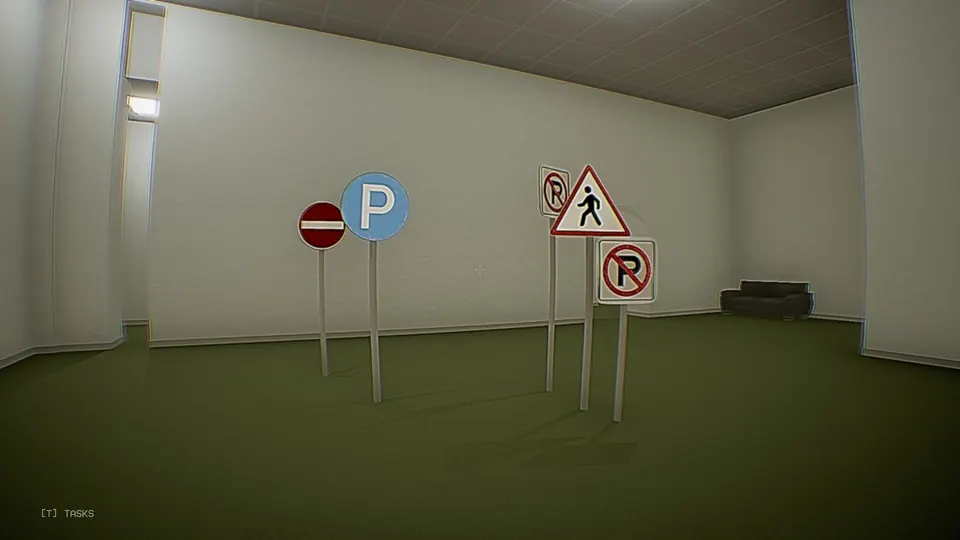
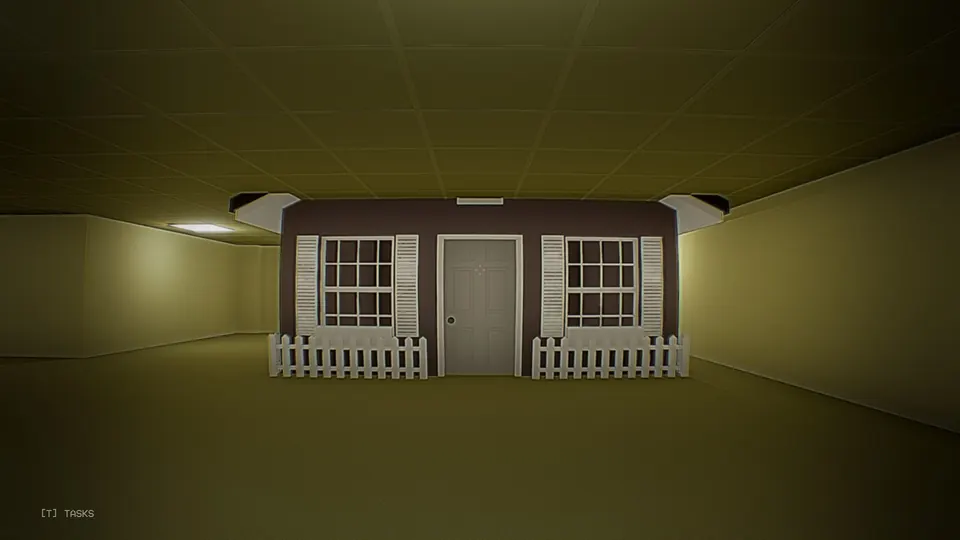
Strange objects
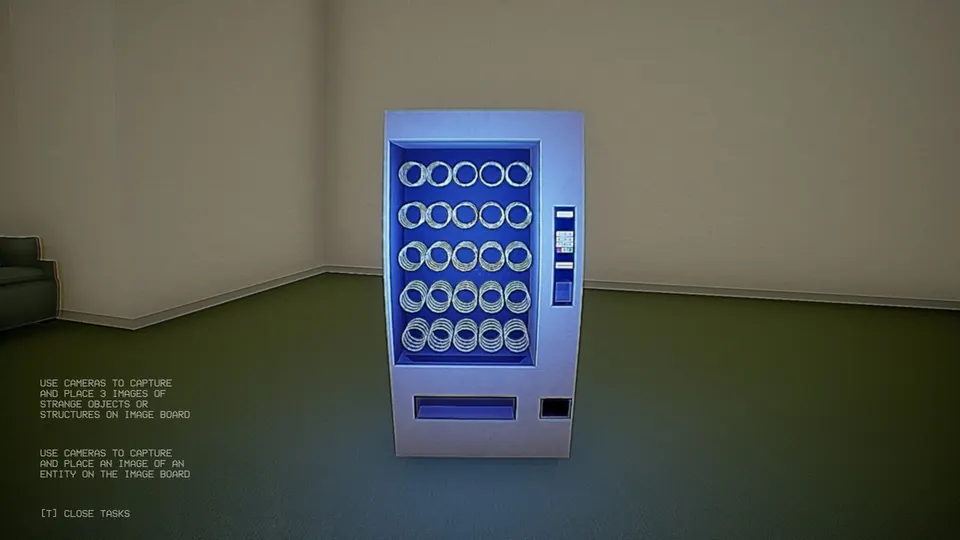
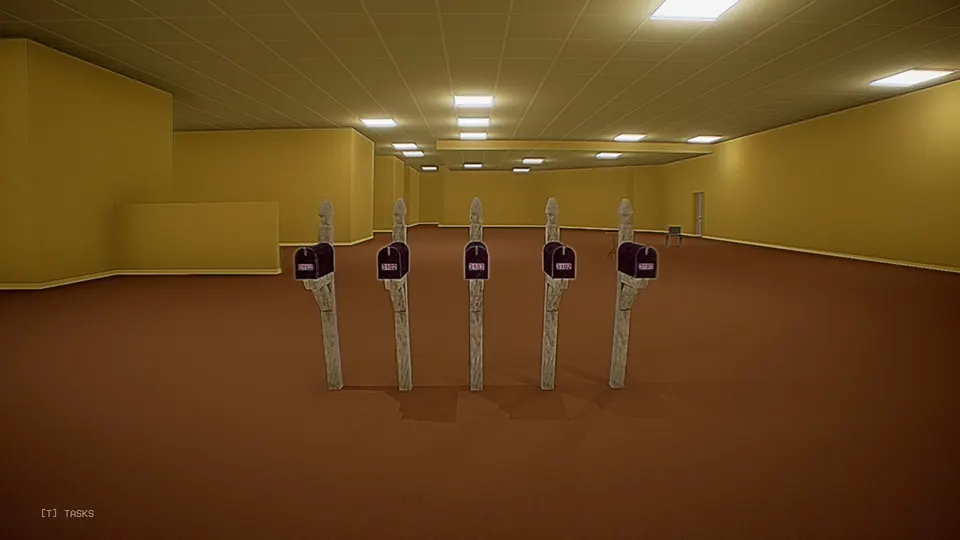
Some daily tasks ask for photos of strange objects or structures. These are the ones seen so far:
- Vending Machine
- Speakers
- Mailboxes
- Furniture No-Clipping (furniture sunk into the floor)
- Scattered TVs
- Traffic Signs
- Seesaw
- Neon Sign
- Houses
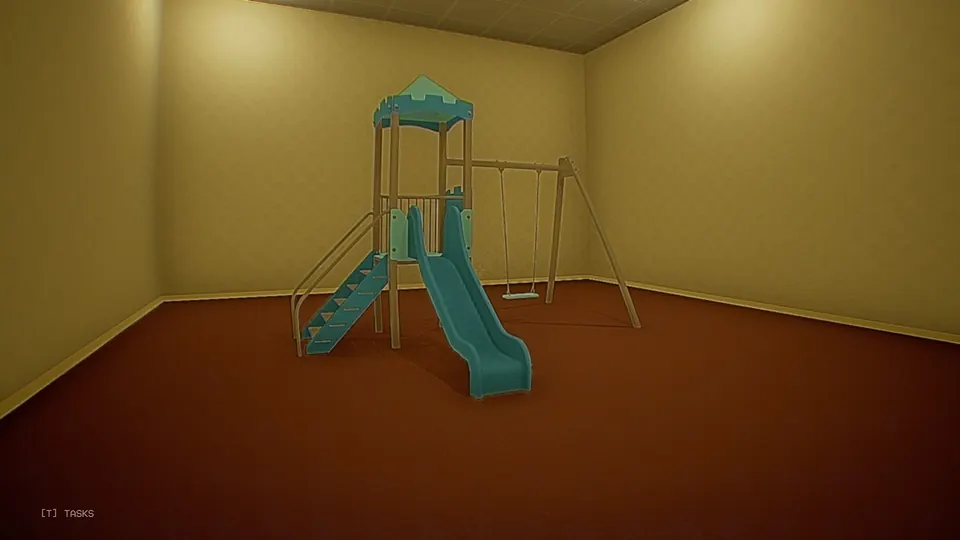
- Playground
Sellable items
Loot you pick up in the Backrooms is worth RD at the Research Data Deposit. Known values:
| Item | Value (RD) |
|---|---|
| Stuffed Bear | 15 |
| Stapler | 10 |
| Hammer | 8 |
| Mug | 5 |
| Toilet Paper | 3 |
Entities
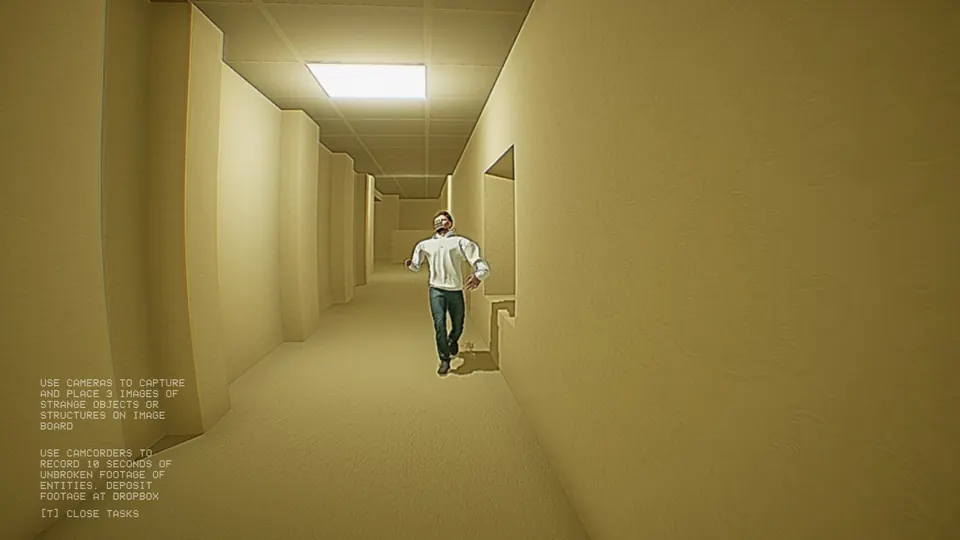
Entities spawn close to you, and more often when you stand still, so keep moving. Against them you have the Anesthetic Gas and the Cardboard Cutout (see field items) and, at home, the gate lever. Nothing is known to work better on one kind than the other. Two kinds have been seen so far.
The abnormally tall being will catch you, then choke you until you die.
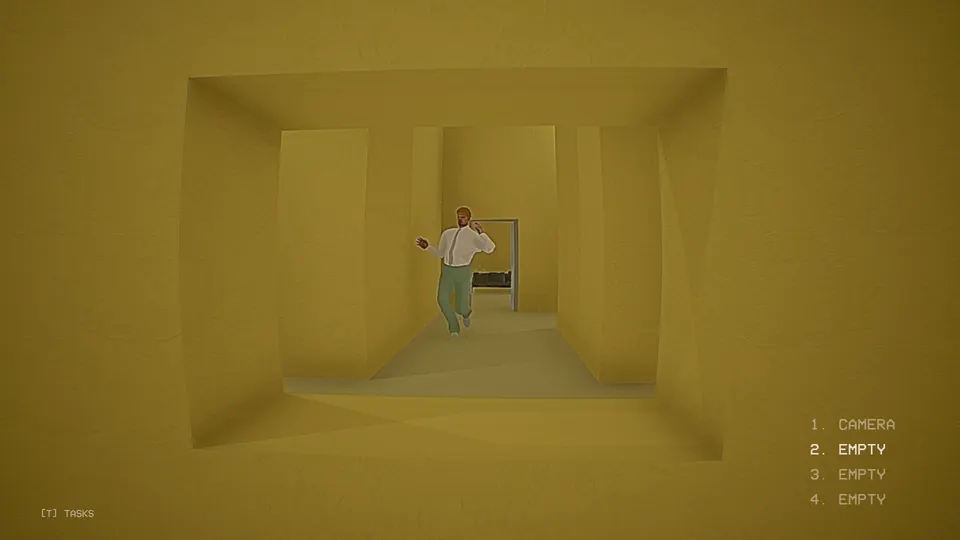
The average height being will smack you over and over until you die.
Daily tasks
You get two tasks every day. Press T to see them. These are the ones seen so far, and the list is not complete:
| Task | What you need |
|---|---|
| Use camcorders to record 10 seconds of unbroken footage of entities, then deposit the footage at Dropbox | Camcorder |
| Photograph 3 strange objects or structures and place them on the image board | Camera, Field Image Board |
| Photograph an entity and place it on the image board | Camera, Field Image Board |
| Find a lost employee and bring them back | RDF |
| Collect 100 research data | Loot and the Research Data Deposit |
For the lost employee task, sync the RDF to the employee’s last known location and follow it.
Achievements and controller support
As of the launch build there are no achievements, though the developer has said it wants to add them. There is no controller support at the time of writing either, and it may come later.