Antivirus Survivors 2003 Professional Mod Guide
There are two ways to put your own pictures on the desktop of Antivirus Survivors 2003 Professional, and this page covers both, plus the GDPatch setup the second one needs. CustomWallpaper.exe is a small patcher that swaps the game’s default wallpaper for a single image of your choice. VPP Wallpapers is a mod that adds as many images as you like to the in-game wallpaper picker. Pick one from the table below, then follow its section.
Short version: for one picture, run CustomWallpaper.exe, choose an image and click Apply. For a set of pictures to switch between, install GDPatch, drop the VPP Wallpapers mod into its mods folder, put your PNGs in the mod’s wallpaper folder and choose them under Personalization.
Which method should you use?
| CustomWallpaper.exe | VPP Wallpapers | |
|---|---|---|
| What it changes | Replaces the default wallpaper and home screen image | Adds extra wallpapers to the in-game picker |
| How many images | One, in place of the default | As many as you put in the folder |
| Extra software | None | GDPatch |
Replace the default wallpaper with CustomWallpaper.exe
This tool needs no installing. It writes your image straight into the game’s data file, AVS03Pro.pck, and saves a copy of the original next to it as AVS03Pro.pck.bak before it changes anything. It takes .png, .jpg, .jpeg, .bmp and .webp files and converts them to the texture format the game’s Godot 4 engine uses, at 768x480, so you do not need to resize or convert anything first.
- On GitHub, find the CustomWallpaper project for this game and open its Releases page.
- Download
CustomWallpaper_AntivirusSurvivors2003_v1.0.zip(v1.0 was the current release at the time of writing). - Unzip it into any folder you like.
- Start
CustomWallpaper.exe. It should find AVS03Pro.pck by itself. - Keep the game somewhere other than the default Steam library? Use Browse… to point the tool at AVS03Pro.pck yourself.
- Click Choose… and pick the picture you want.
- Look at the preview box. If you are happy with it, click the blue ✓ Apply Wallpaper to Game button.
- Wait for the popup saying the patch worked, then launch the game from Steam.
Your picture shows up straight away as both the desktop wallpaper and the home screen.
Restore the original wallpaper (CustomWallpaper.exe)
- Open
CustomWallpaper.exeagain. - Click Restore Original (Backup).
- Say yes when it asks you to confirm.
The game file is put back from the AVS03Pro.pck.bak backup right away.
Install GDPatch (needed for VPP Wallpapers)
Skip this section if the loader is already set up and working for this game.
- Download the latest release from gdpatch.dev.
- Open the game’s install folder, the one with the game’s .exe in it.
- From that download, copy
gdpatch_loader.dllinto the install folder. - Rename the copy to
winmm.dll. If Windows hides file extensions on your PC, the file shows up as justgdpatch_loader, and you rename it towinmm. - Check that the game’s .exe and
winmm.dllnow sit side by side in the same folder. - Start the game once so the loader runs, then close it.
- Look for a
GDPatchfolder with amodsfolder inside it. ThatGDPatch\modsfolder is where mods for the loader go.
We could not confirm where that folder sits, or whether the first start creates it.
Add several wallpapers with VPP Wallpapers
- Go to the VPP Wallpapers releases page on GitHub and open the latest release.
- Under Assets, download the mod’s ZIP file. Do not take the “Source code” downloads; those are the project files, not the ready-to-use mod.
- Unzip it. You get a folder called
vpp_wallpapers. - Move that whole folder into the
GDPatch\modsfolder from the GDPatch section above. - Put your pictures in this folder inside it:
GDPatch\mods\vpp_wallpapers\data\gdpatch\mods\vpp_wallpapers\wallpaper
The same three folder names really do appear twice in that path. Your images go in the innermost wallpaper folder, prepared like this:
| Image setting | What to use |
|---|---|
| Format | PNG |
| Size | 768x480 |
| File name | No spaces |
Pick your wallpaper in the Personalization menu
Launch, or restart, the game from Steam with GDPatch in place. In Personalization, open the wallpaper selection and pick one of yours.
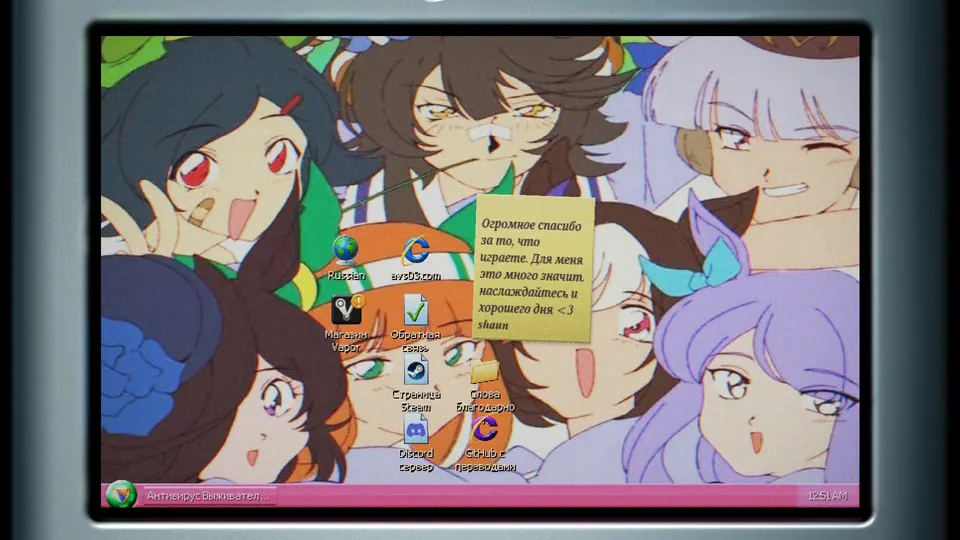
VPP Wallpapers not showing up in Personalization
If your images are missing from the wallpaper list, go down this checklist:
winmm.dllis next to the game’s .exe, so the loader is running.- The
vpp_wallpapersfolder is directly insideGDPatch\mods. - You downloaded the release ZIP from Assets, not the source code.
- Your pictures are in the innermost
wallpaperfolder. - Your pictures match the image settings table above.
- You fully closed and restarted the game after installing the mod.